Skip to content

Assessment before commitmentIncremental, tested migration

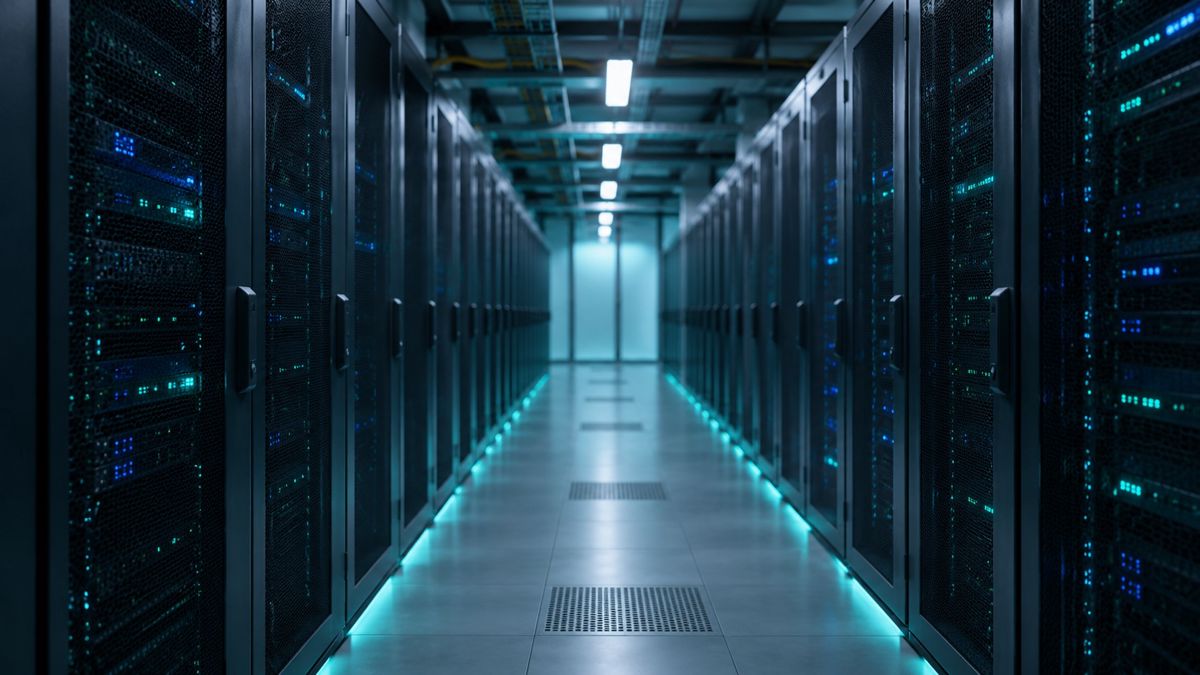
Rows of server racks in a data center aisle

Services

Legacy application modernization services for enterprise systems

We assess your application first, then recommend the lightest path that solves the real problem: rehost, replatform, refactor, rebuild, replace, retain or retire.

  • Decided system by system, not by default
  • Written roadmap before any migration
  • Old and new run side by side until proven

What legacy application modernization services include

Legacy application modernization is the work of changing an aging business application so it can be run, changed and secured at reasonable cost. That can mean moving it to new infrastructure, upgrading its runtime and database, restructuring its code, rebuilding it, or replacing it with a product.

There is no single correct path. An application that is stable but expensive to host needs something different from one that blocks every release. We start with an assessment of code, data, integrations and the people who run the system, then write down the options and their risks. You decide what to do, and you can take the roadmap to another team if you prefer.

The seven Rs, chosen one system at a time

A portfolio usually ends up with a mix. These are the options we compare.

  1. Rehost

    Move the application as is to new infrastructure. Fastest, but the code and its problems come along.

  2. Replatform

    Upgrade the runtime, operating system or database with few code changes.

  3. Refactor

    Restructure the code, often into containers or separate services, without changing what it does.

  4. Rebuild

    Write it again around the current business domain, when the old design cannot be saved.

  5. Replace

    Adopt a commercial or SaaS product for commodity functions, and plan the data move.

  6. Retire

    Switch off components nobody needs, which removes risk and cost at once.

  7. Retain

    Leave stable code alone and expose it through APIs.

Incremental migration or a big bang cutover

IncrementalBig bang
Cutover Slice by sliceOne switch date
Rollback Available at each sliceHard once switched
Old system Runs until provenRetired at cutover
Feedback Early, from real trafficLate, near the end
Business rules Found as each slice movesAll found up front

How we run a modernization engagement

Each step ends with something you can review.

  1. Inventory and assess

    We catalog applications, dependencies, data stores and interfaces, and read the code where it matters.

  2. Classify each system

    Each application gets one of the seven options, with the reasoning written down.

  3. Build a safety net

    We add characterization tests that record current behavior before anything changes.

  4. Move one slice

    A single function or module goes first, running alongside the old code.

  5. Expand and retire

    More slices follow in phases. Old components are switched off only after your team accepts the results.

Risks and limits

Modernization can go wrong. Undocumented behavior surfaces late, data that looks clean turns out not to be, and teams underestimate integrations. Incremental work reduces these risks and cannot remove them.

We cannot promise a timeline, a cost saving or an outcome before the assessment, and often not after it. Estimates depend on code quality, test coverage, data volume and how quickly your people can answer questions. Compliance obligations stay yours, and your auditors set the rules we work within. A fixed-scope legacy code audit is the usual starting point.

Questions buyers ask before they start

How do you decide between rehost and refactor?

We look at what hurts. If the cost is hosting, rehosting or replatforming may be enough. If every change is slow and risky, the code needs restructuring. We weigh business value, code condition, data coupling and your appetite for change, then write the reasoning down for your review.

Can you modernize an application without documentation?

Yes, though it takes longer. We read the code, inspect the database, observe production behavior and talk to the people who operate it. Then we write characterization tests that capture what the system does today, so changes are compared against known behavior instead of assumptions.

What happens to the old system during migration?

It stays in production. New code runs beside it, often receiving a copy of real inputs, and outputs are compared. Traffic moves slice by slice with a rollback point at each. The old component is retired only after your team accepts the comparison results.

Do you work with our existing engineers?

Yes. A modernization pod usually works alongside your team, with regular demos and written status, so knowledge of the system is shared rather than handed over at the end. You can also take the audit roadmap and run delivery yourselves.

How is a project priced?

We do not publish prices because scope, systems and compliance needs differ widely. Every engagement starts with a written scope and quote that you approve before work begins. Phased programs have agreed checkpoints before each phase, so you can stop or adjust.

Tell us about the application

Send the request form or message us on WhatsApp. A short description is enough for a first reply.

What to send

  • What the application does
  • Language, runtime and database
  • Rough size and age
  • Target environment, if known
  • Constraints such as audits or change freezes
Chat on WhatsApp Request a code audit

A mutual NDA can be signed before you share anything sensitive.

Start with an assessment, not a commitment

Request a code audit and get a written roadmap you can take to your own team.

Chat on WhatsApp